01
 charly
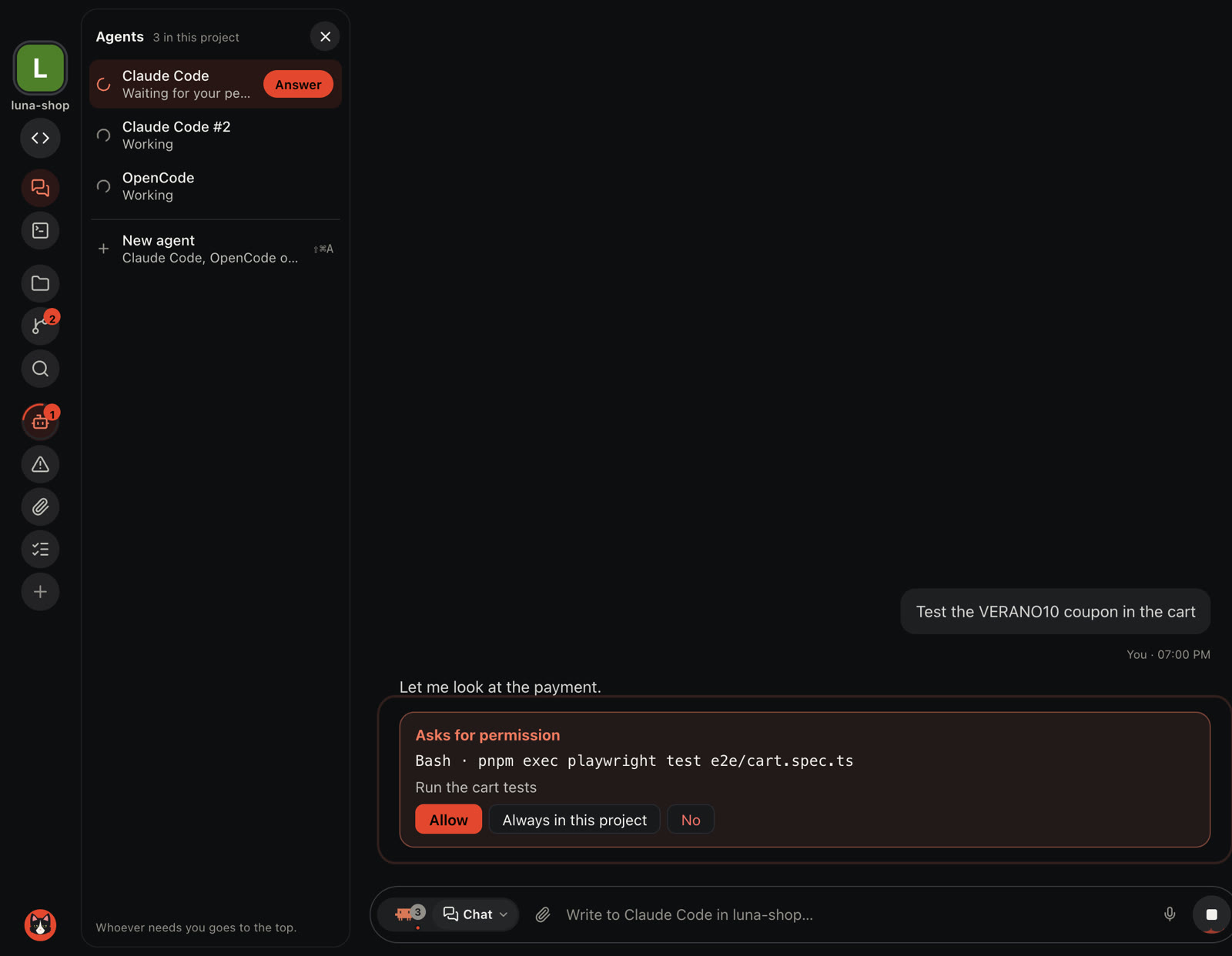
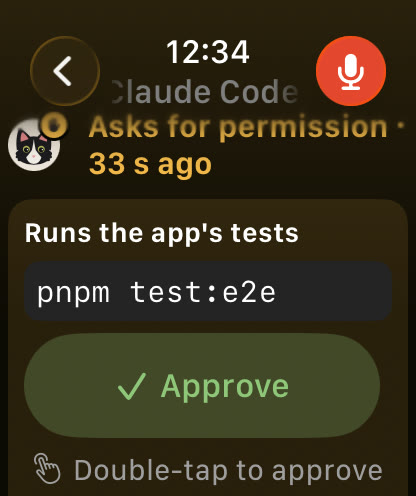
A Mac and Linux app for Claude Code and OpenCode. On the Mac, your iPhone and Apple Watch are always in the loop.
Free, all of it. No card, no account.
Also for Mac: Download
Charly installs on your Mac
Send yourself the link and open it on the Mac. Then the iPhone app connects to it.
Get the iPhone app
The iPhone and Apple Watch apps, on the App Store.
macOS · Apple Silicon · Linux · x86_64 · iOS 26 · watchOS 26 · Tailscale
Works with Claude Code OpenCode
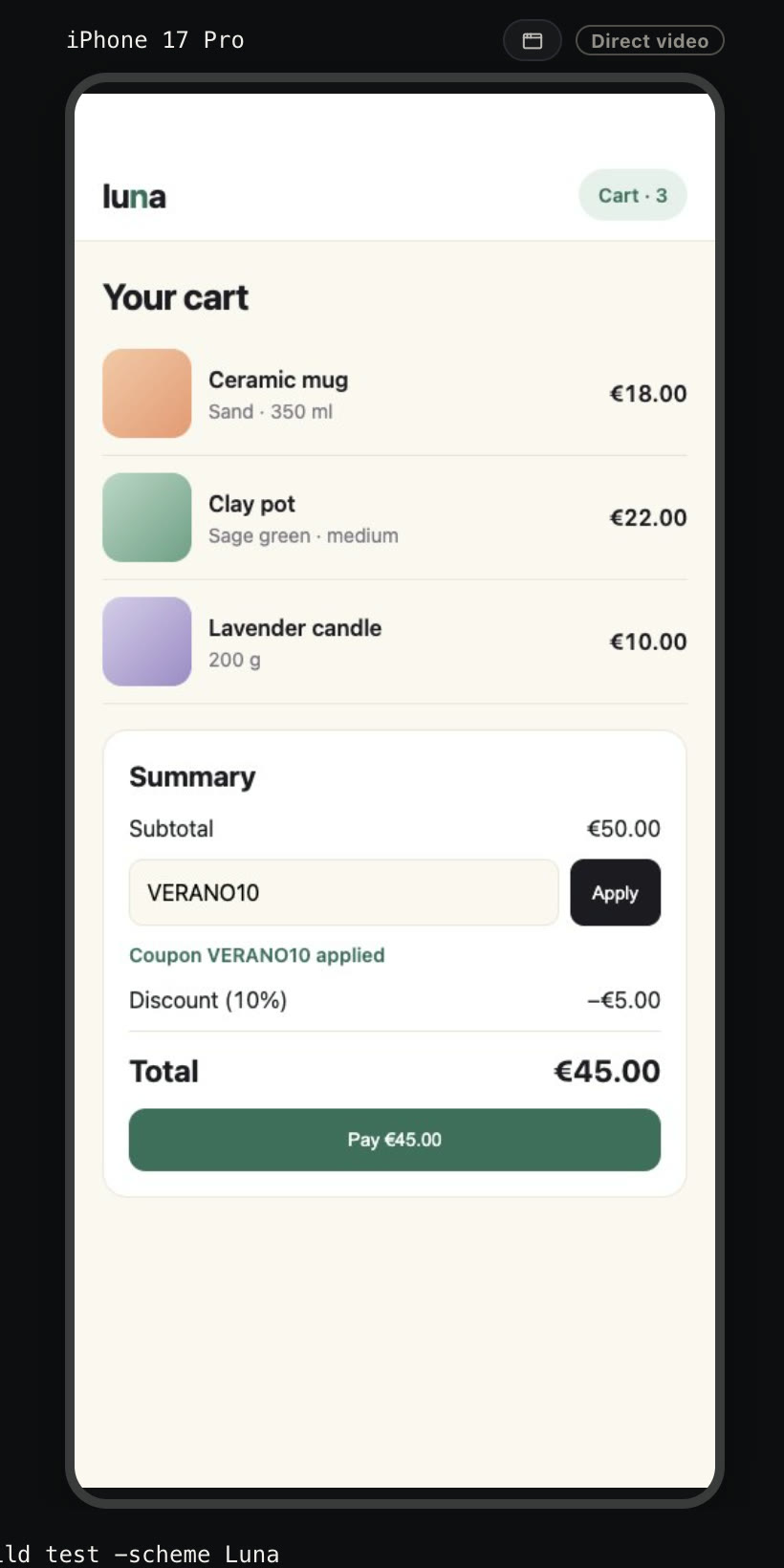
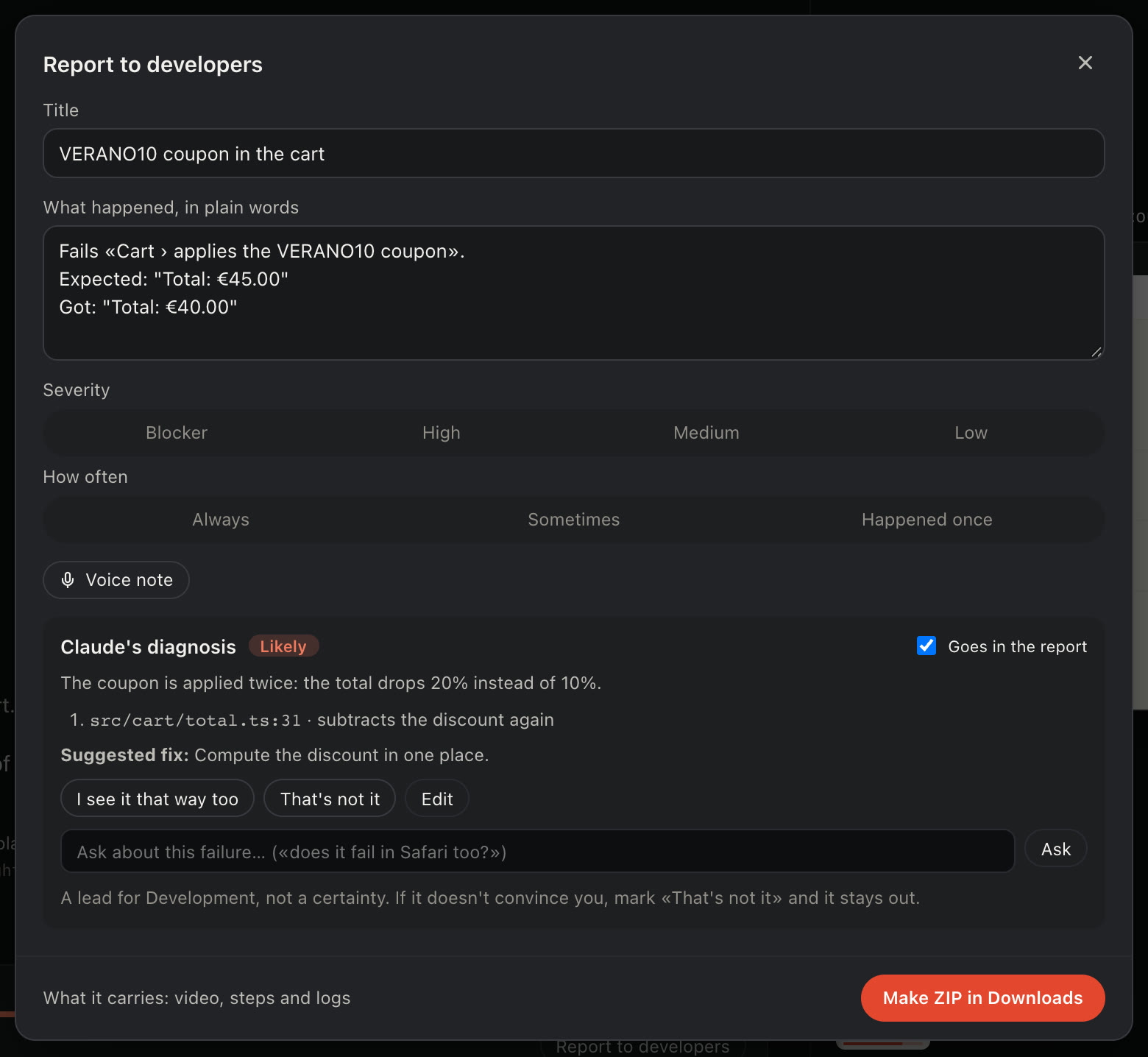
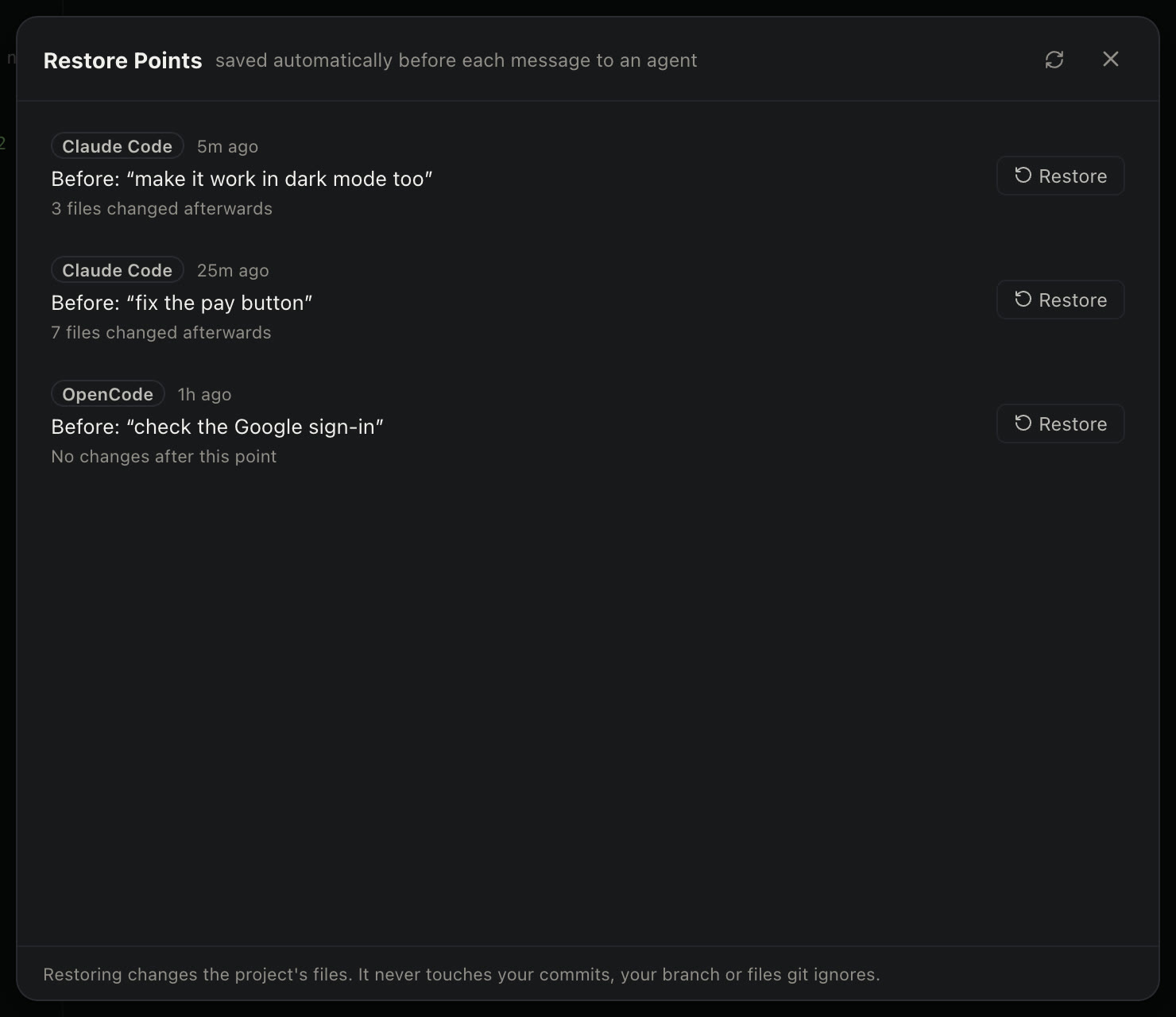
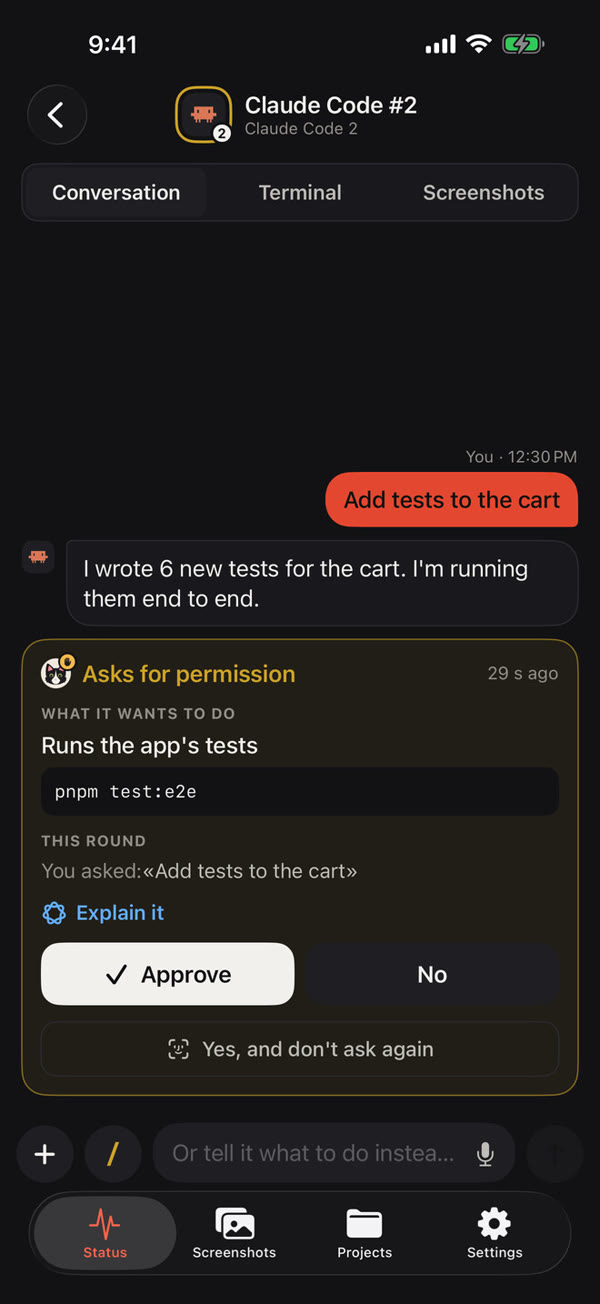
No voice: the words are on screen. Tap for sound.
No plans, no trial, no account. Everything Charly does is yours from the first launch.
$0for everyone
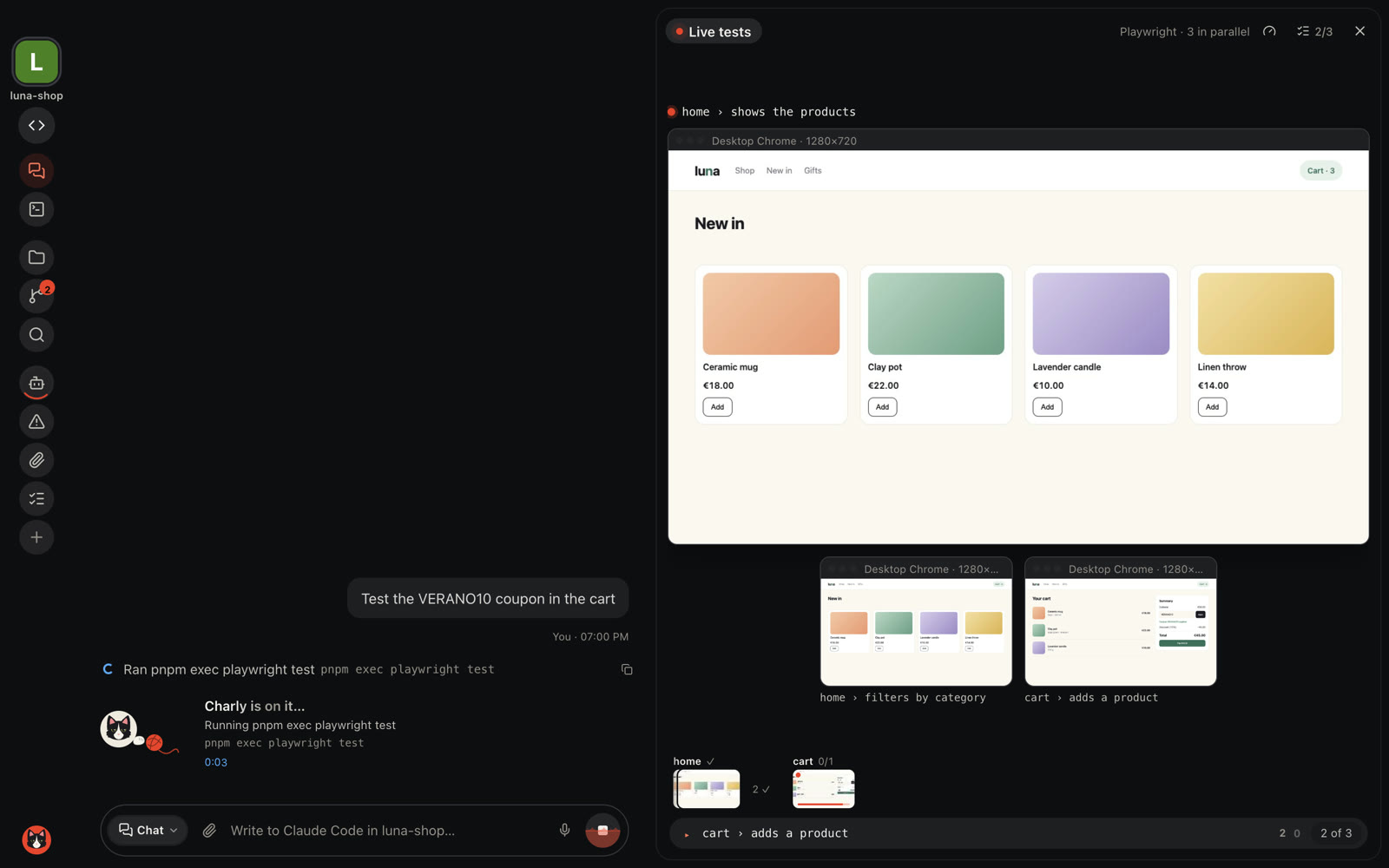
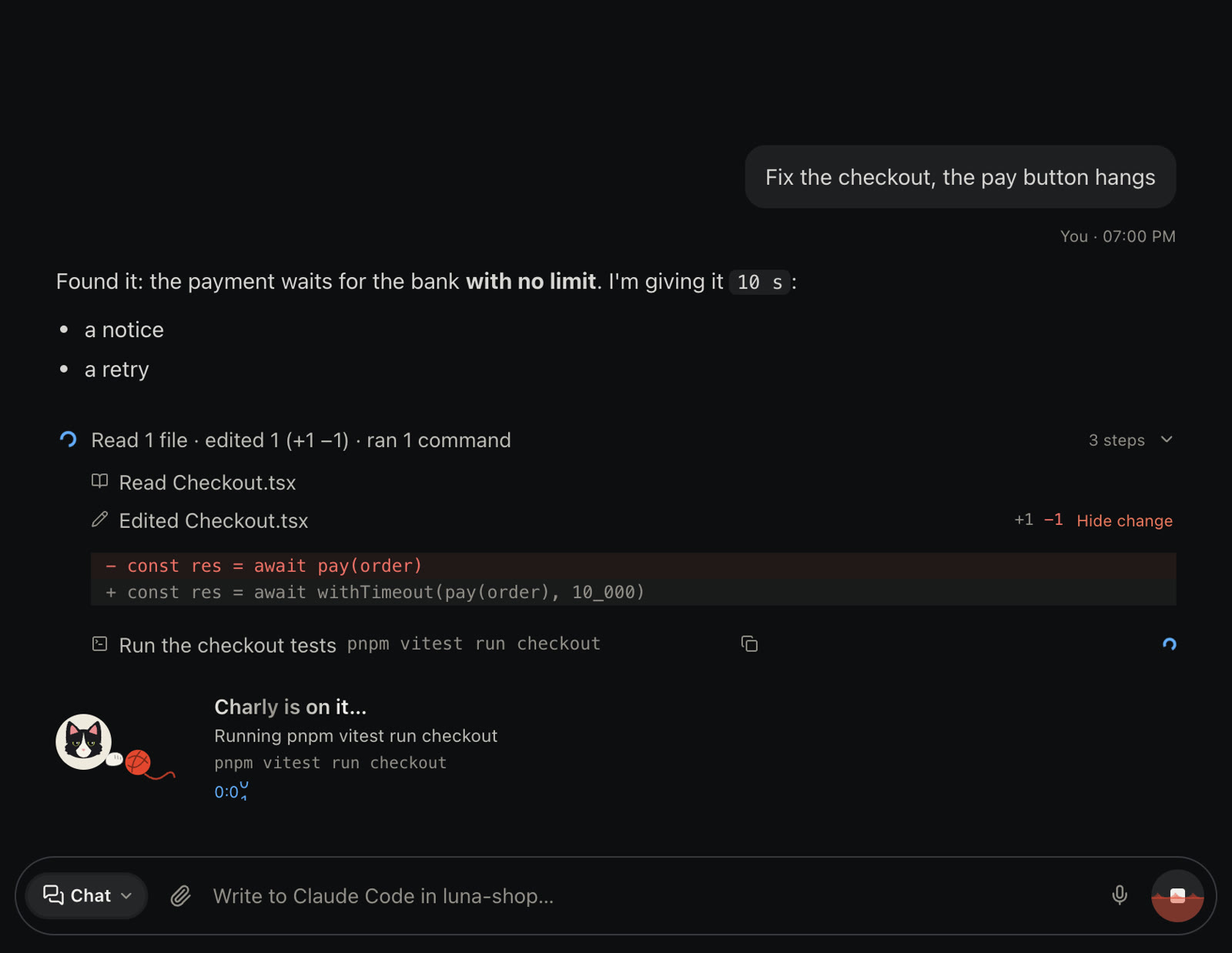
Claude Code and OpenCode, side by side if you like. Other command-line agents open the same way, because Charly runs them in a real terminal instead of rebuilding them.
A Mac with Apple Silicon, or a Linux PC (x86_64) with Fedora, Ubuntu or Debian. For the phone and the wrist, with the Mac: an iPhone with iOS 26 and, if you like, an Apple Watch with watchOS 26, plus Tailscale (it has a free plan) on the Mac and the iPhone.
Yes. Charly runs the agents you already use, with your own accounts. Each agent follows its maker’s terms.
Yes. Open them over SSH; the agents run on the server and keep going if the connection drops or you close the app.
Not to us. Charly runs on your Mac and your servers, and the iPhone reaches your Mac through your own Tailscale network. The agents you use send what they need to their own makers, as they do today.
By itself: it looks for new versions every few hours, downloads them quietly and tells you when one is ready; you choose when to restart. You can also check from the Charly menu → Check for Updates… How it works
Linux, yes: there’s a .deb (Ubuntu, Debian) and a .rpm (Fedora), and it updates itself, just like on the Mac. Windows, not for now. Your remote projects can be on any Linux server you reach over SSH.
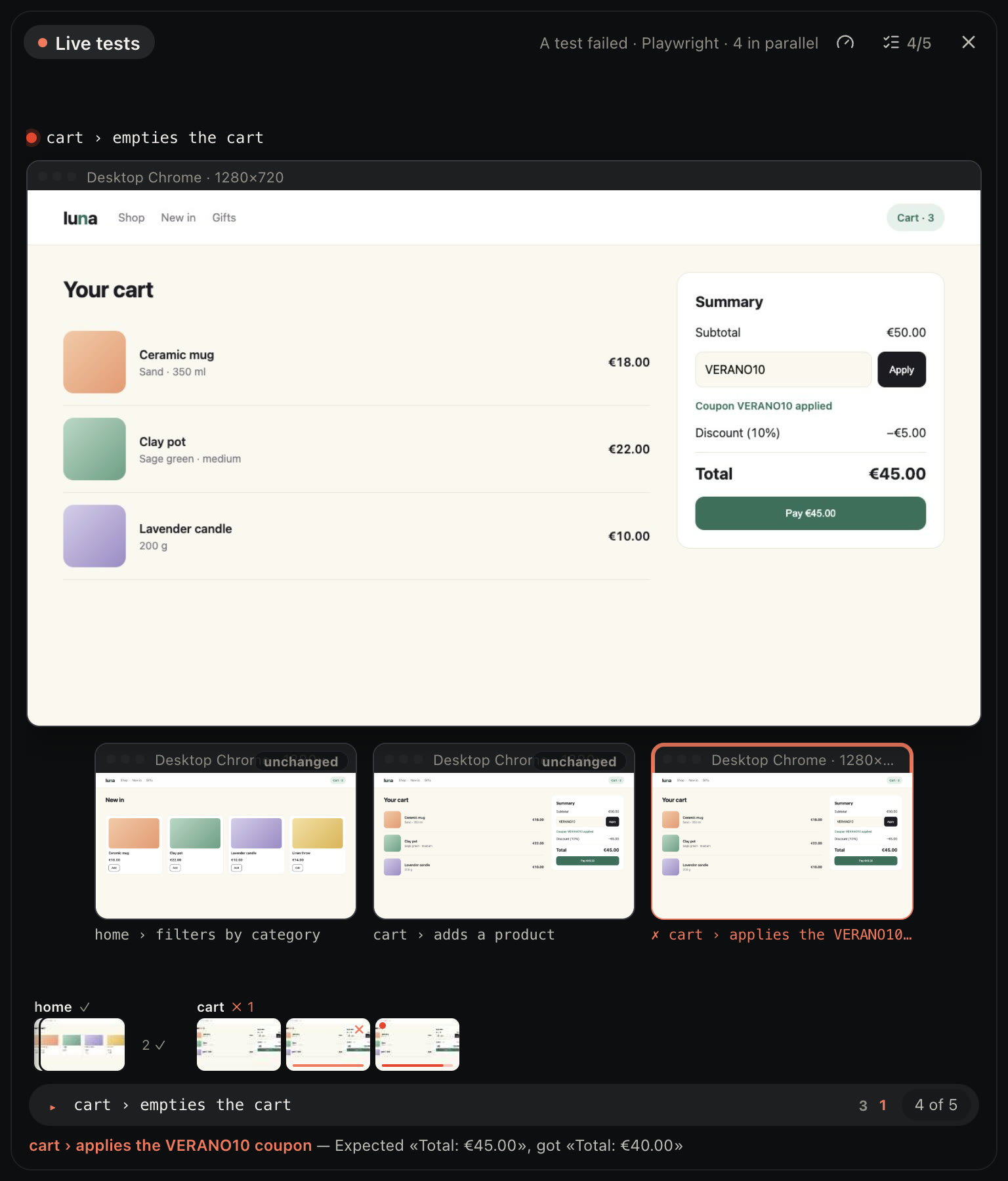
No. Charly is free, with everything: any number of projects, your servers, live tests, and the iPhone and Apple Watch apps. You only need your own Claude Code or OpenCode account.